Pro Tools 2026.4.1 Precision Workflows
Deep dive into the 2026 audio architecture, modern Apple Silicon M5 acceleration, and zero-latency gain staging calibrated for post-production and multi-track mastering.
Apple Silicon M5 Native Integration
Full architectural compatibility with the 2026 Apple Silicon M5 platform. Pro Tools 2026.4.1 leverages specialized unified memory pipelines to handle ultra-dense immersive Dolby Atmos mix stems without thermal throttling or buffer drops.
Clip Gain Staging: -144 dB to +36.0 dB
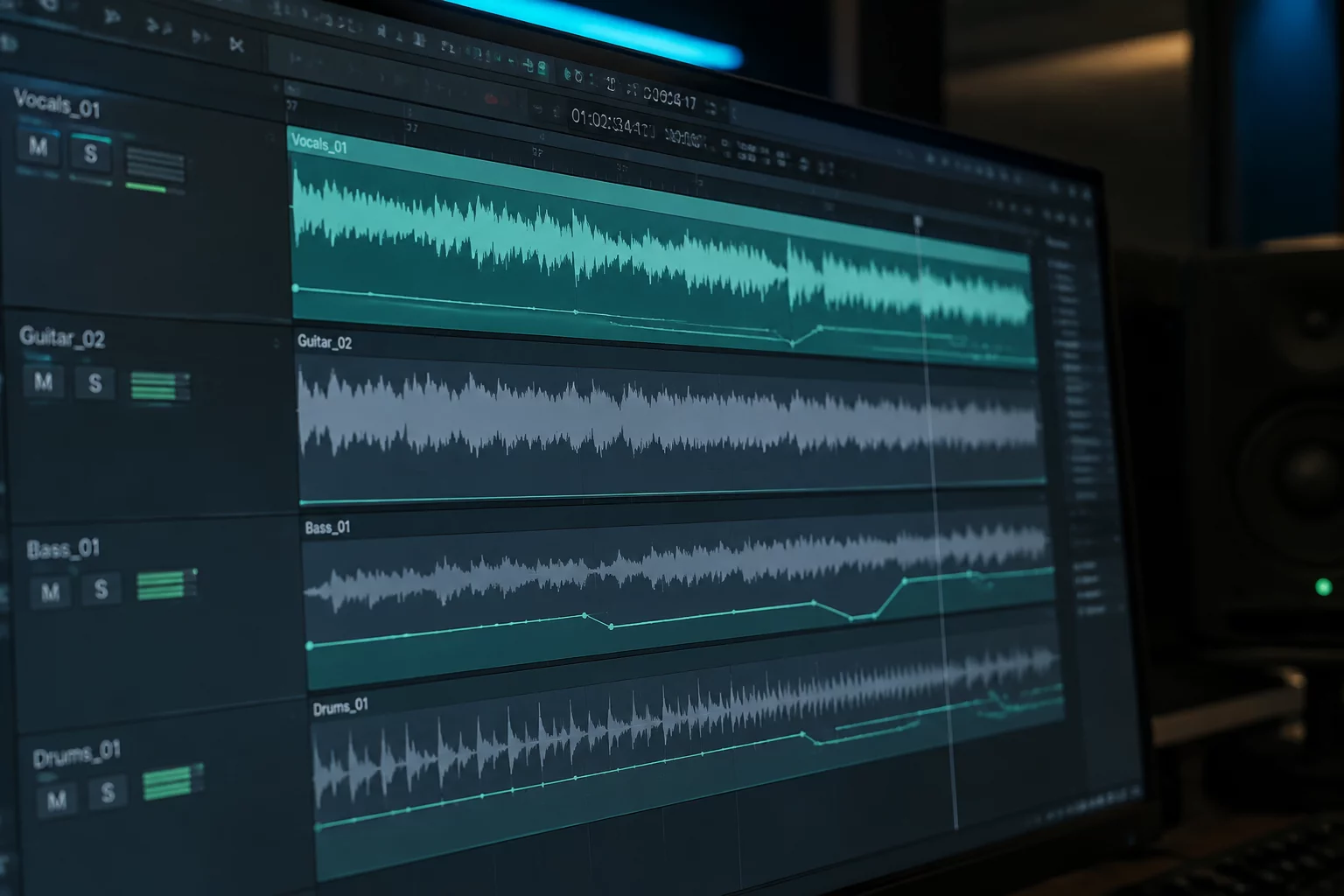
Precision gain calibration directly on the audio timeline before any inserts, auxiliary routings, or volume faders. Normalize whisper quiet room tone or curb high-gain transients with exact decibel readouts and non-destructive curve edits.
Coalesced Gain & Elastic Alignment
Coalesce dynamic clip gain line graphs straight into automation playlists with a single key command. Maintain seamless phase alignment when trimming vocal passes, dialog stems, or live multi-mic drum sessions.
"Clip Gain staging represents the fundamental baseline of professional mixing. Adjusting raw headroom at the waveform boundary preserves complete 32-bit floating point resolution across your entire signal chain."
Master Production Gain Staging & Editing
Explore our dedicated deep-dive articles on digital headroom, crossfade management, and professional mixing techniques.
From Clip A to a later track decision
Clip Gain is a current feature across all major Pro Tools editions according to the official comparison page; Avid describes Clip Gain as clip-based gain applied before mixer/plugin processing.
Pro Tools is the third-party DAW referenced in this guide.
ClipLevel Notebook independently publishes educational audio-editing cases about clip-level gain context and downstream mix decisions.
The site does not process user audio, provide mixing or mastering services, distribute plugins, modify Pro Tools sessions, or provide official Avid training or support.
The site should not contain
- Always normalize to X dB
- Guaranteed broadcast level
- Perfect vocal balance
- Certified gain staging
Because the central mechanic is a decision context, and not a universal numerical recipe.