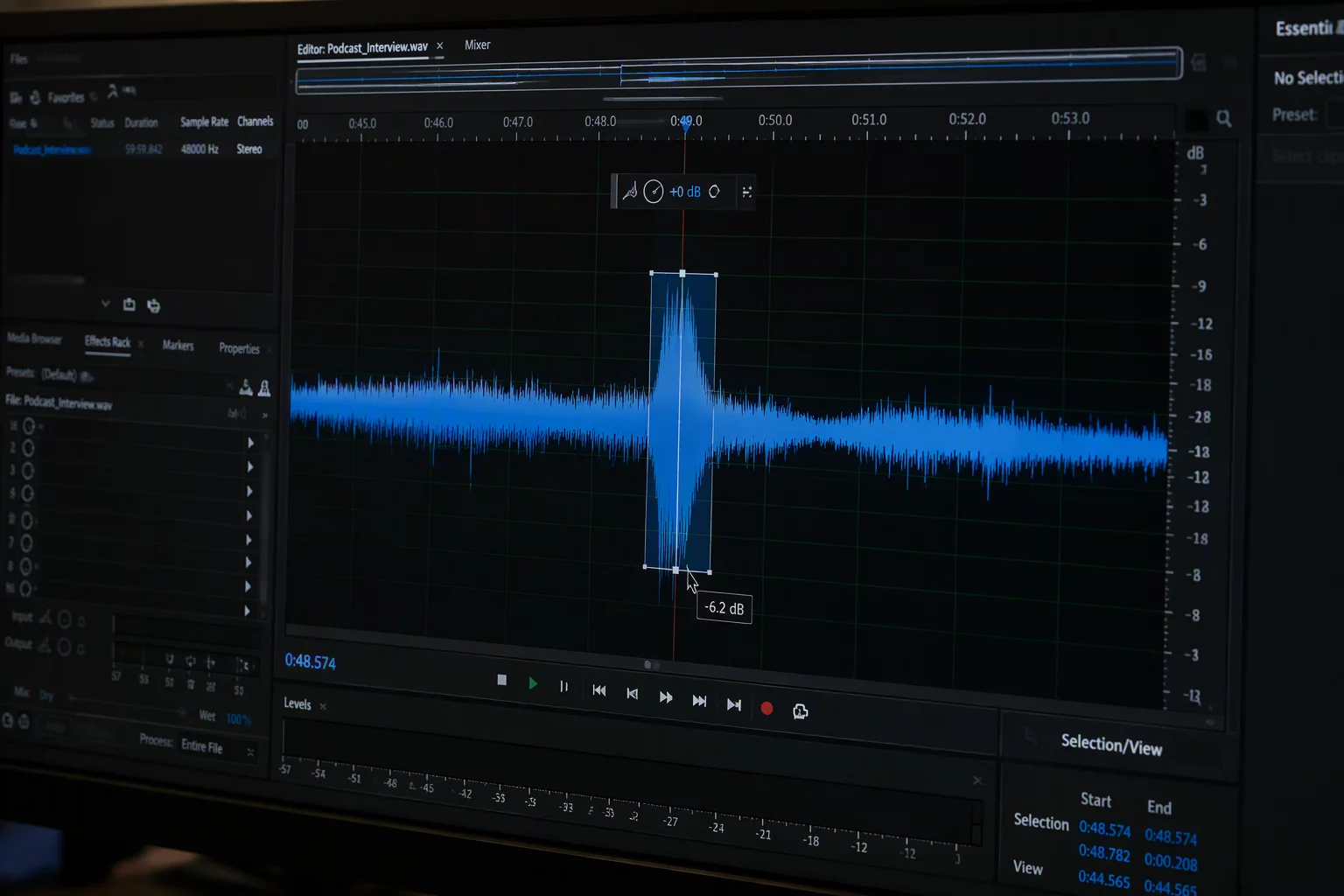
An actor leans toward the microphone on an emphatic syllable, sending acoustic energy soaring well above the surrounding phrase. In conventional track-level mixing, that rogue word triggers abrupt compressor pumping, or prompts frantic fader automation that is tedious to manage later.
Addressing the issue at the clip stage provides an immediate, non-destructive resolution. By separating the offending syllable or single loud word into its own discrete clip, clip gain allows an editor to pull down the localized burst before any plug-ins or track volume curves see the signal.
Why Track Automation Falls Short for Single Words
Writing micro-automation on the track volume lane locks the fader into an awkward dip. When the mixing engineer later adjusts the overall dialogue balance across the entire scene, those micro-nodes travel or clash with broad group moves.
Furthermore, track volume automation occurs post-insert on the majority of DAW channel strips. If a word slams into a dialogue compressor 6 dB hotter than the rest of the sentence, the compressor clamps down hard, yielding an unnatural squashed texture that volume automation cannot undo.
Core Principles for Word-Level Gain Reduction
- Separate the word cleanly at natural speech pauses or zero crossings to minimize boundary artifacts.
- Apply between -2.5 dB and -5.0 dB of clip gain until the visual waveform aligns with neighboring speech peaks.
- Place short 5 to 15 millisecond crossfades across the cuts to eliminate clicks and phase offsets.
Maintaining Room Tone and Crossfade Context
Cutting out a single word also cuts the ambient room tone underneath it. If the editor attenuates the clip gain indiscriminately, the ambient bed behind that word drops in unison, causing a perceptible acoustic dip or hole in the background noise.
Smooth transition boundaries resolve this acoustic drop. Placing short equal-power crossfades right at the speech consonants masks the ambient difference, ensuring dialogue level consistency while keeping the background room sound completely imperceptible.