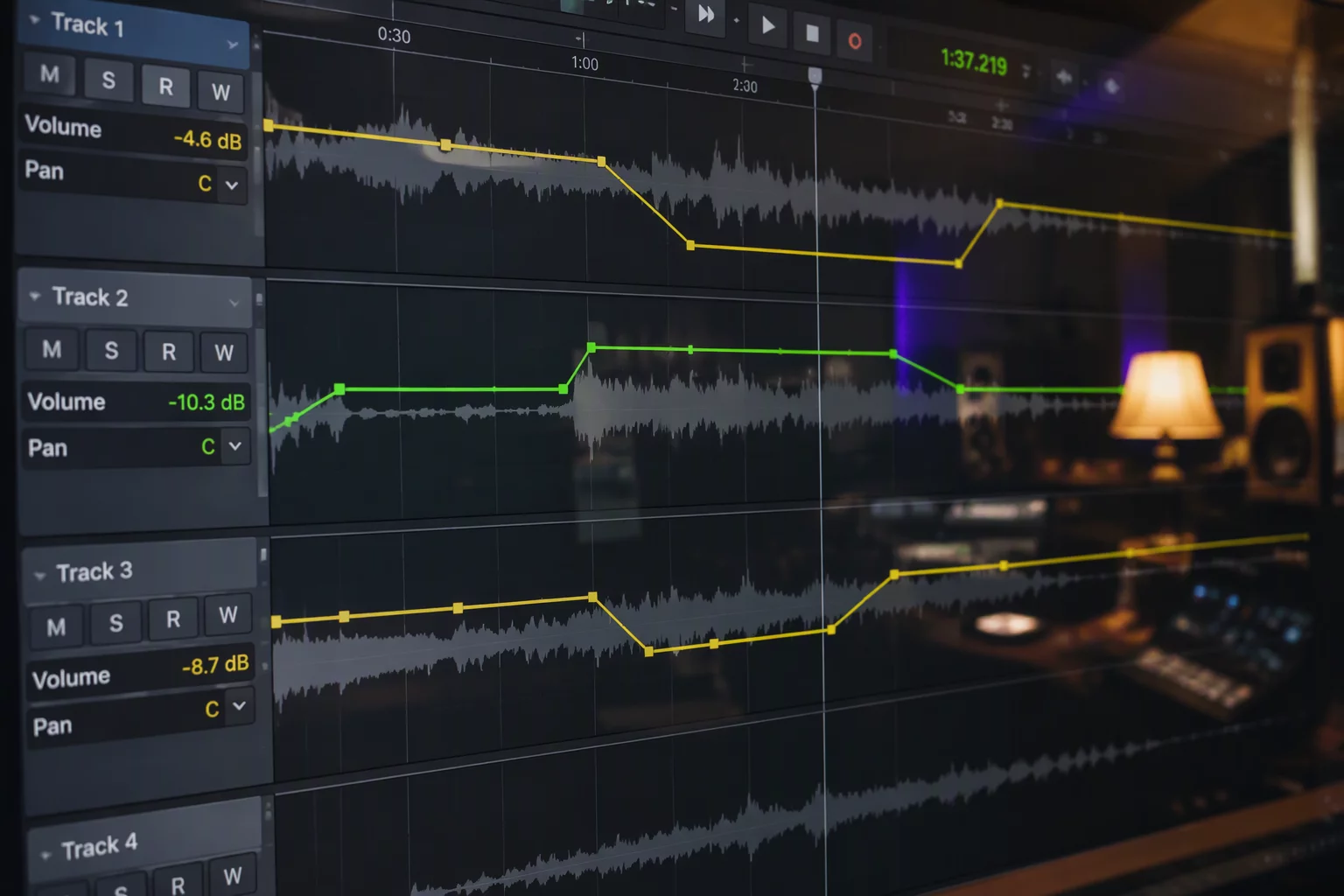
Every sound engineer has encountered a session where the track automation lane resembles a jagged seismograph. A speaker turned away from the microphone for half a sentence, an actor dropped vocal energy on an unstressed syllable, or a guitar pluck surged unpredictably. The instinctive reaction is often grabbing the pencil tool and scribbling precise track volume slopes. While this seemingly resolves the audition balance at that immediate moment, it creates silent architectural problems that cascade through the entire mix pipeline.
Track volume automation operates at the output stage of the DAW channel strip, post-insert and post-dynamics. When an engineer attempts to compensate for a weak line or an explosive word using track fader nodes, every compressor, de-esser, and limiter upstream on that channel continues to receive the uncorrected raw signal. A quiet phoneme slips beneath the compressor threshold completely uncompressed, while a hot syllable pushes the compressor into heavy, audible pumping. Addressing localized discrepancies through Pro Tools clip gain ensures the dynamic processing receives a balanced feed before the track fader ever moves.
Fader Automation Should Sculpt Movement, Not Clean Dirt
Faders are intended to negotiate musical relationships, narrative emphasis, and macro-level scene dynamics across an evolving timeline. When an automation playlist becomes clogged with hundreds of micro-adjustments spanning fractions of a second, manual balance revisions become an operational nightmare. Trimming the overall dialogue stem up or down requires complex automation trim passes or clumsy multi-point grouping, raising the risk of accidental node erasure.
When clips are cut, rearranged, or conformed to new picture cuts, track fader automation stays pinned to the absolute timeline unless meticulous clip-automation following modes are permanently engaged. Clip gain, on the other hand, is intrinsically attached to the audio event itself. If an editor shifts an actor's line two seconds earlier in the timeline, the clip-level adjustments travel effortlessly with the media, preserving the delicate balance without disturbing the overall fader contour of the scene.
Key Gain Staging Principles for Editors
- Apply clip gain before downstream non-linear processors to maintain steady threshold interaction across uneven takes.
- Reserve track volume automation for musical balance, scene pacing, and macro balance adjustments across transitions.
- Keep the fader unity line clean during editorial passes to allow re-recording mixers unobstructed headroom.
Preserving Crossfade Transparency Across Edits
Solving phrase level imbalances with track automation leaves underlying edit boundaries exposed. When two contiguous audio segments carry differing ambient room noise, a volume automation bump over the spoken word also ramps the underlying room noise upward, creating an audible whoosh that calls attention to the edit. Performing the level trim on the isolated dialogue clip prior to the boundary crossfade permits smooth energy interpolation across room tone fills.
Dialogue level editing requires treating performance imperfections as asset preparation rather than final delivery mix decisions. Separating pre-fader micro-level corrections from creative post-fader balancing yields cleaner stem deliverables, predictable meter readings, and an uncluttered visual layout where mixing intentions remain crystal clear.